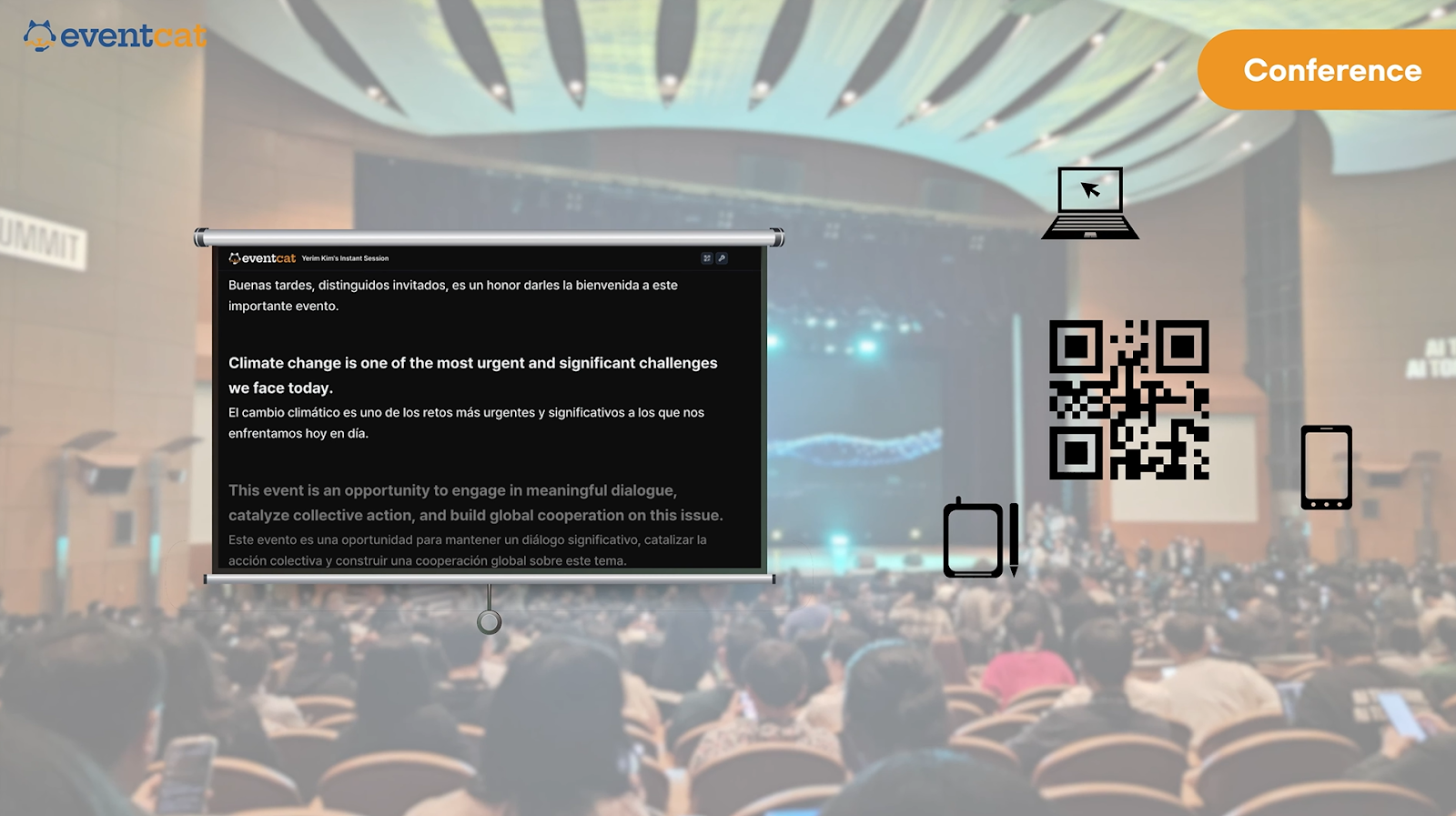
EventCAT provides four ways to deliver real-time subtitles to your audience.
Display the preview screen on a venue screen
View on personal devices via QR code
Share the subtitle page via URL link
Stream translated subtitles simultaneously using the Caption Overlay feature
All settings for each method can be easily configured on the EventCAT Controller page.
Display the Preview Screen on a Venue Screen
Q. How do I display the preview screen on a venue screen?
• Click the Preview button: Click the “Preview” button at the top-left corner of the Controller page. A new window will open with the preview screen.
• Set real-time subtitle languages: At the bottom of the preview page, you can select two languages to display — the Main Language and the Second Language. You can change them at any time.
• By displaying this preview page on the venue screen, the audience can view real-time subtitles.
References of events that used the preview screen on-site:

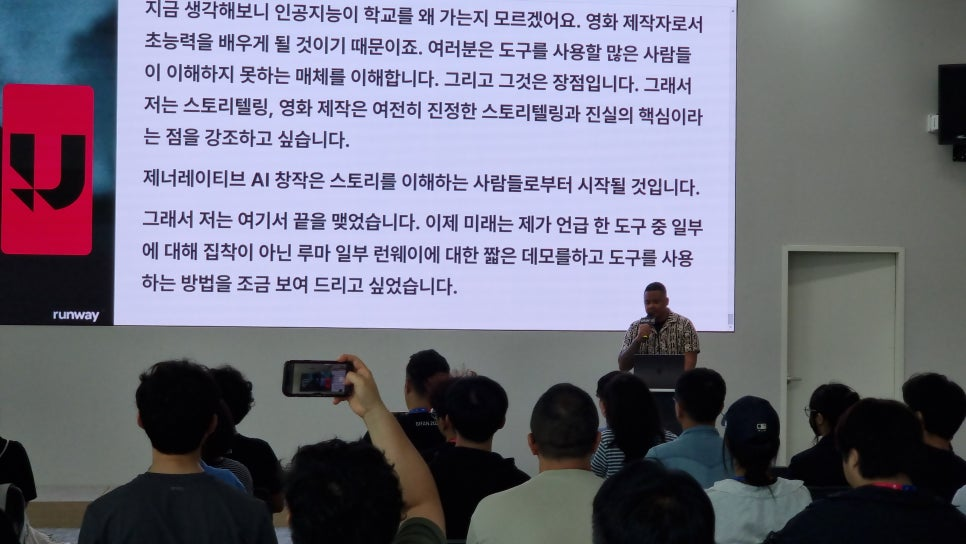
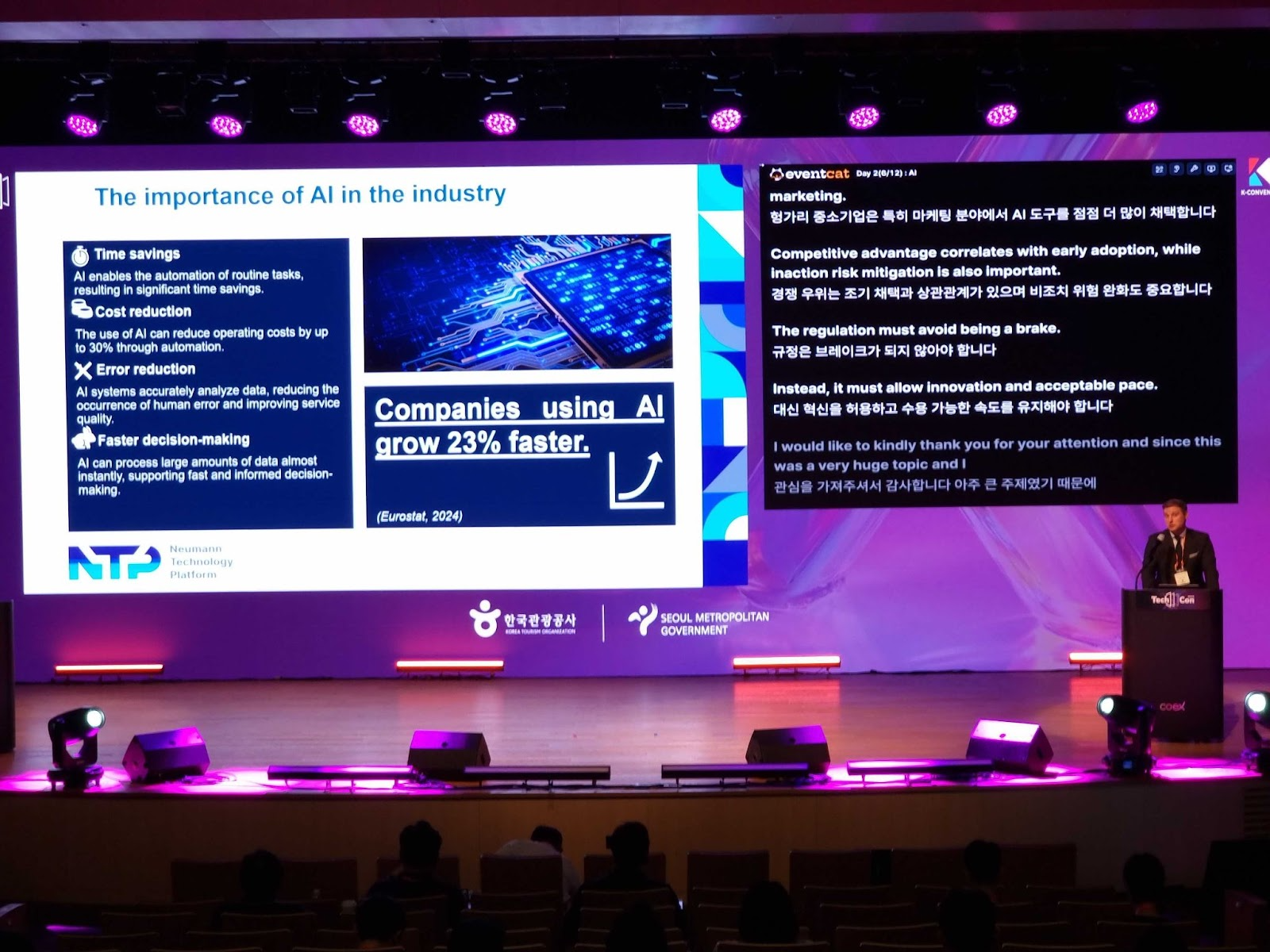
• Busan International AI Film Festival (BIAIF)
• Korean Society of Traumatology and Intensive Care
• Asia-Pacific Conference on Disaster Medicine (APCDM 2024)
• Gachon University Startup College (GSCS)
• POSTECH (Pohang University of Science and Technology) – Horizon Europe Workshop
• World Coffee Leaders Forum 2024
• SK AI Summit 2024
View on Personal Devices via QR Code
Q. How can attendees view real-time subtitles using a QR code?
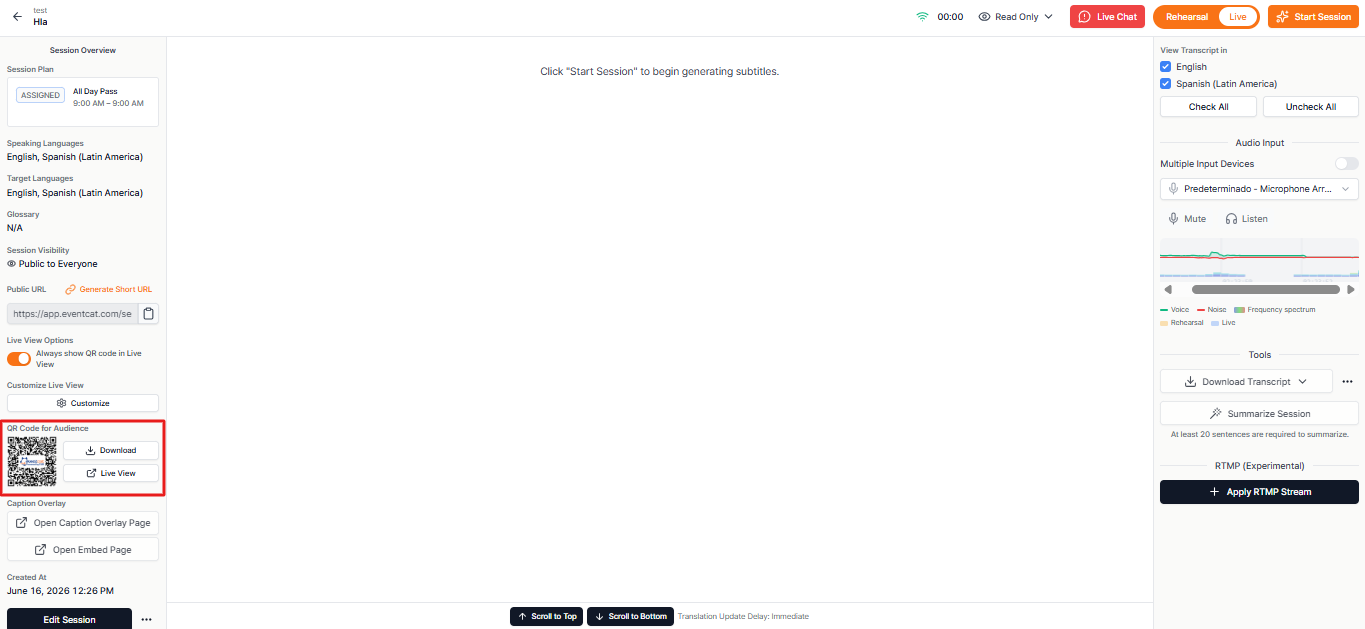
• Place the QR code on a venue screen or printed materials. Audience members can scan the QR code with their smartphones or tablets to view real-time subtitles in their preferred language.
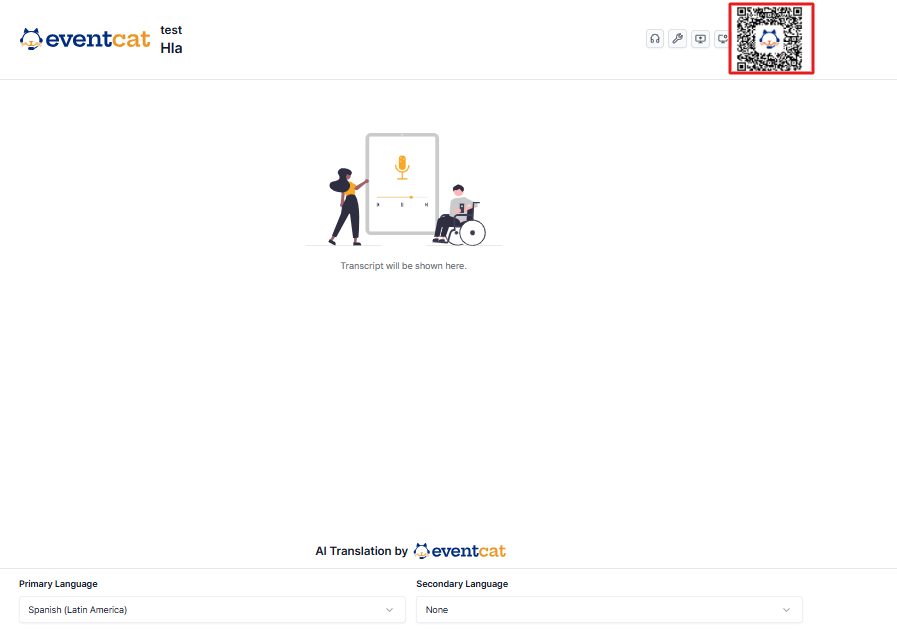
• You can check and download the QR code from the top-right corner of the Live View Page.
Frequently Asked Question:
Q. Can real-time translated subtitles be viewed on multiple devices?
• Yes. Through the QR code, attendees can freely access real-time translated subtitles on smartphones, tablets, laptops, and all personal devices.
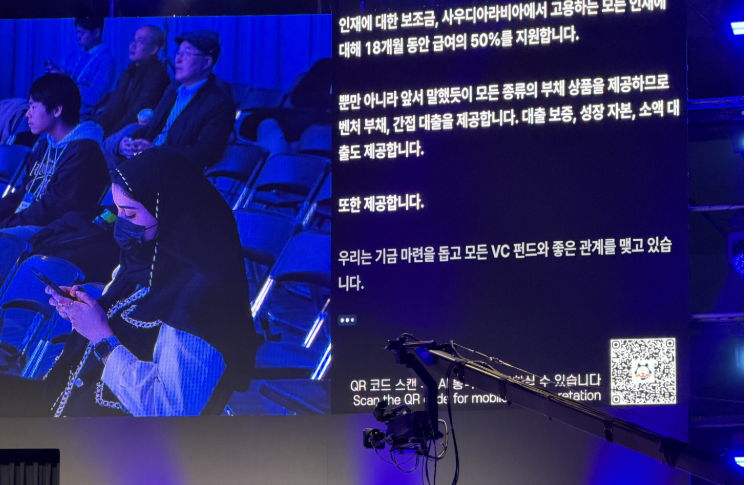
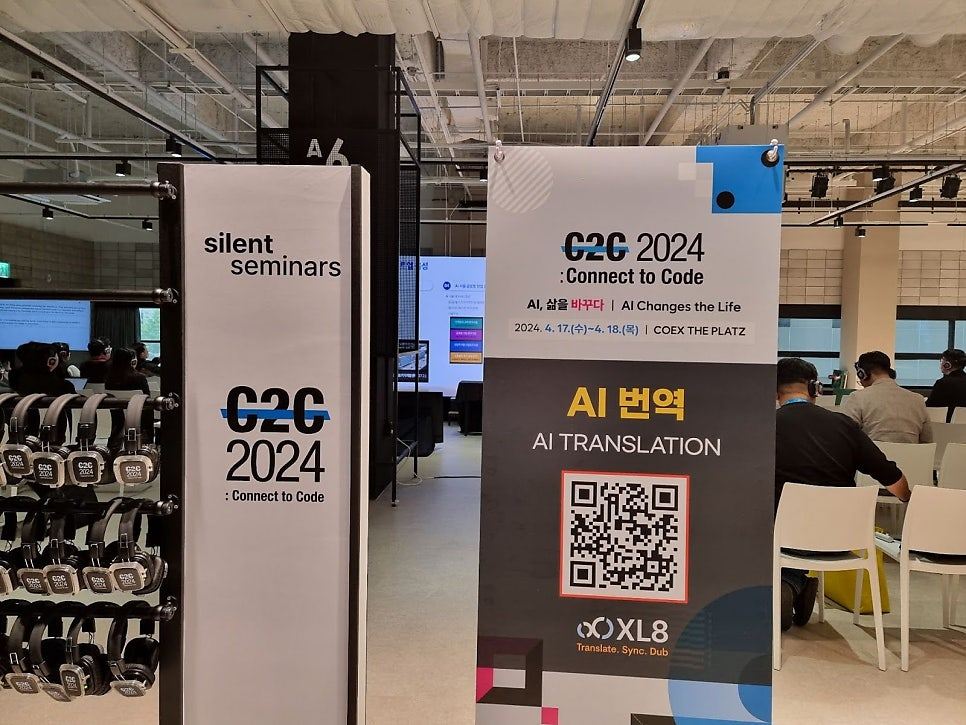

References of events that provided subtitles via QR code:
• ComeUp 2025
• TEDxSeoul
• Connect to Code 2024
• High Output Club – Lecture by former Meta PM & “Retro” app founder Nathan Sharp
Share the Real-Time Subtitle Page via URL
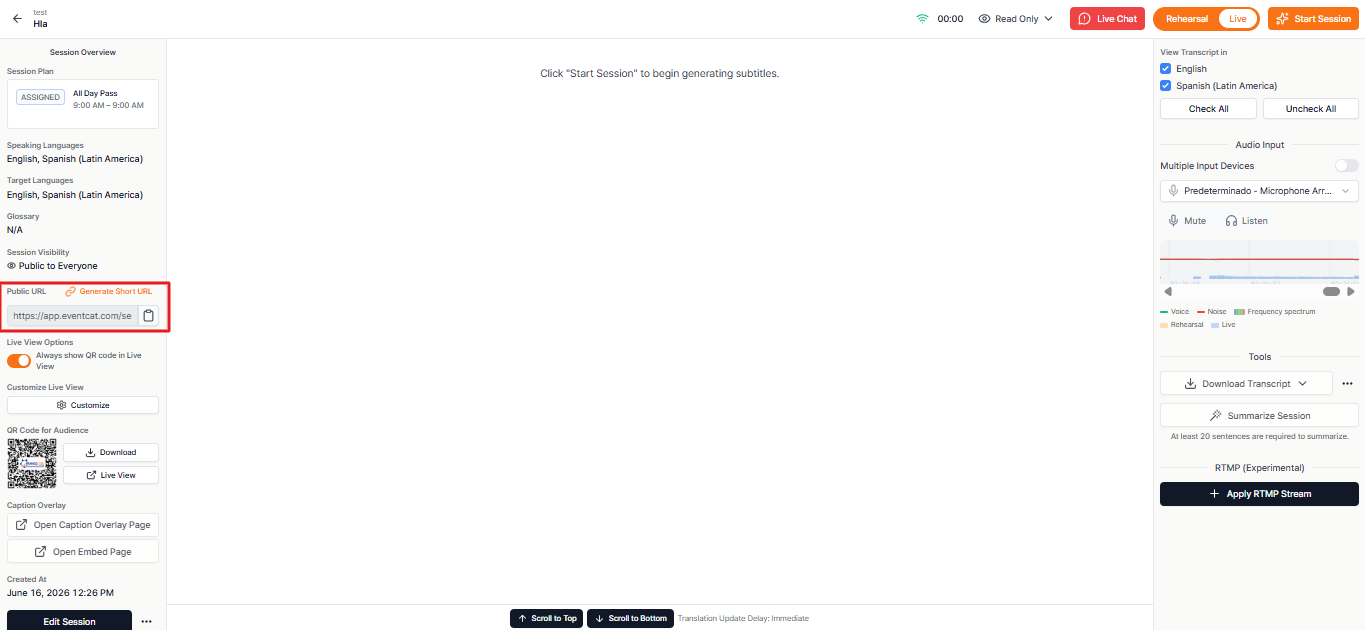
• Copy the URL from the Controller page and share it via YouTube, open chat rooms, websites, or other platforms.
• Audience members can access the real-time subtitle page through the URL and select their preferred language individually.
Stream Translated Subtitles via Caption Overlay
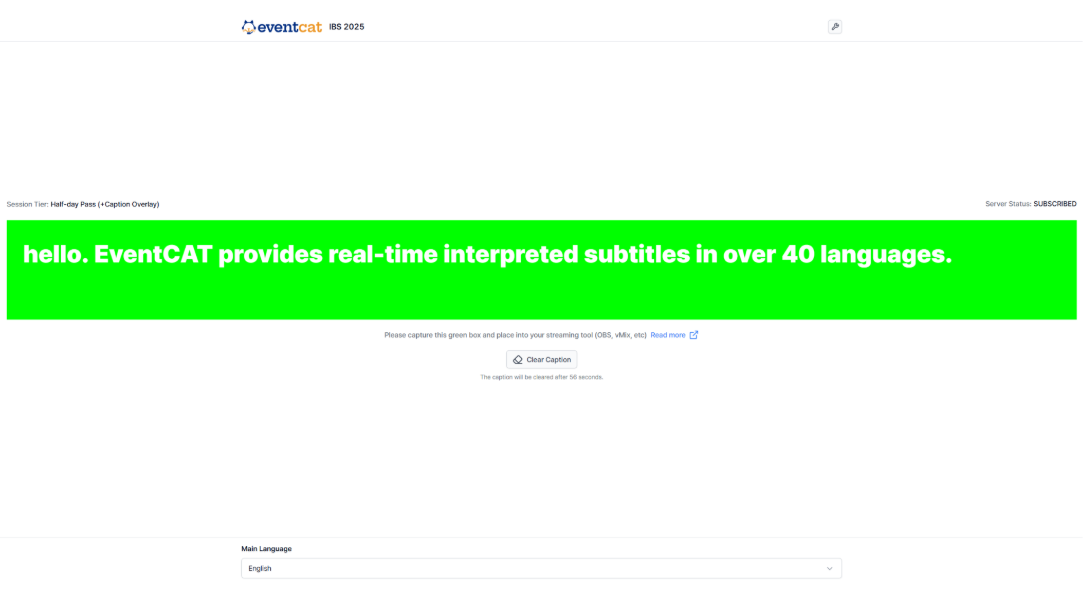
• Using the Caption Overlay feature, you can directly overlay real-time subtitles onto live streaming platforms such as YouTube or OBS.
• This is a paid add-on feature that you can find with our All Day MAX Pass
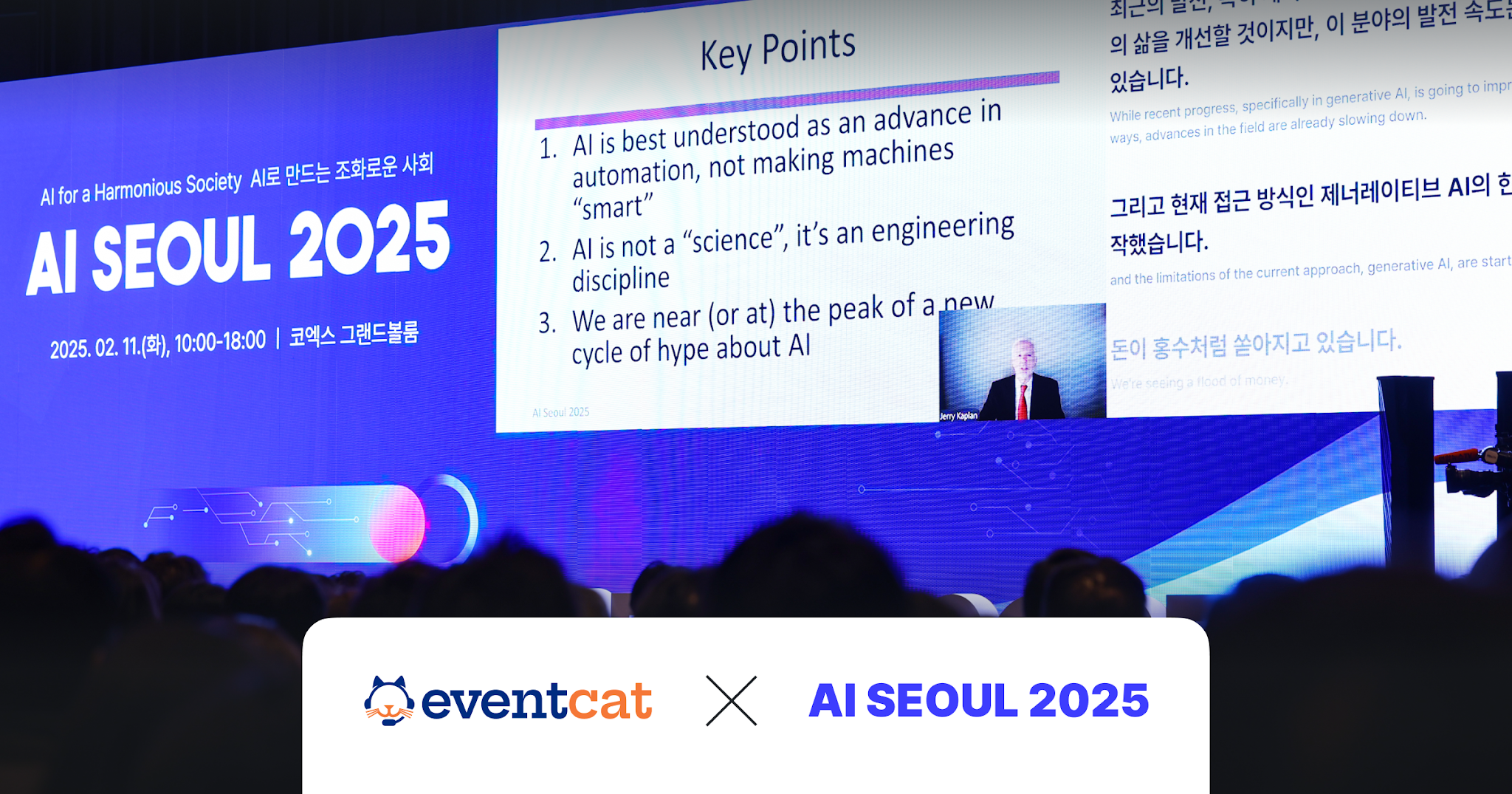
References of events that used caption overlay for simultaneous online and offline subtitle streaming:
Ready to elevate your event experience?
Want to learn more or get started with EventCAT for your next conference? Contact us today and let us help you provide seamless translation solutions at your next event.
Was this article helpful?
That’s Great!
Thank you for your feedback
Sorry! We couldn't be helpful
Thank you for your feedback
Feedback sent
We appreciate your effort and will try to fix the article